Three GitHub projects are called MoneyPrinter. This page sorts them out, shows what the original MoneyPrinter does and how to install it, and lets you make the same kind of Short in your browser instead.
The online studio runs on MoneyPrinterTurbo, a later project that began as a refactor of the original MoneyPrinter. It is not a hosted copy of the MoneyPrinter GitHub repo and is not affiliated with FujiwaraChoki.
There are three. The original MoneyPrinter and MoneyPrinterV2 are both by FujiwaraChoki. MoneyPrinterTurbo, by far the largest, is by a different developer, harry0703, and started as a refactor of the original MoneyPrinter.
Repo cards generated by GitHub on November 11, 2026.
Stars, licenses and dates are from GitHub on November 11, 2026.
| Repo | Author | Started | Stars | License | Last update |
|---|---|---|---|---|---|
| MoneyPrinter (the original) | FujiwaraChoki | January 2024 | 14,200 | MIT | March 2026 |
| MoneyPrinterV2 | FujiwaraChoki | February 2024 | 32,400 | AGPL-3.0 | September 2026 |
| MoneyPrinterTurbo | harry0703 | March 2024 | 142,000 | MIT | November 2026 |
MoneyPrinterV2 is a rewrite of MoneyPrinter with a wider scope: a Twitter bot, affiliate marketing and cold outreach on top of Shorts. Turbo has its own web UI, API and regular releases. A fourth project, MoneyPrinterPlus, only shares the name.
The MoneyPrinter GitHub project automates YouTube Shorts from a single topic. You type a subject and MoneyPrinter writes a script, downloads matching stock clips, records a voiceover, burns in subtitles and renders a vertical MP4.
The MoneyPrinter repo was rewritten in March 2026, so guides from 2024 no longer match. The current version works like this:
The MoneyPrinter GitHub README links to this video. FujiwaraChoki, who publishes as Fuji Codes, shows the first version of MoneyPrinter turning a topic into a YouTube Short.
Video linked from the MoneyPrinter GitHub README. It shows the original MoneyPrinter, not videos made on this site.
To install MoneyPrinter from GitHub you need Python 3.11 or later, uv, FFmpeg, ImageMagick and Ollama, plus a Pexels API key and your TikTok session ID. Clone the repo, run the setup script, fill in two values, pull a model and start three processes. These steps follow the official quickstart.
setup.sh checks the prerequisites, creates the .env file and installs the Python packages.
git clone https://github.com/FujiwaraChoki/MoneyPrinter.git
cd MoneyPrinter
./setup.shThe TikTok value is the “sessionid” cookie from a logged-in browser.
PEXELS_API_KEY="your-pexels-key"
TIKTOK_SESSION_ID="your-sessionid-cookie"llama3.1:8b is the default in the docs.
ollama serve
ollama pull llama3.1:8bEach runs in its own terminal. Then open http://localhost:3000, enter a subject and click Generate.
uv run python Backend/main.py
uv run python Backend/worker.py
cd Frontend && python3 -m http.server 3000
Prefer Docker? Copy .env.example to .env, set the two values and run “docker compose up --build”. Ollama still runs on your own machine; the page is then at http://localhost:8001.
Partly. MoneyPrinter was rewritten on March 1 and 2, 2026, and its last commit is from March 26, 2026. Before that, the only commits after September 2024 were README edits. There are no releases, so you always run the main branch, and support is thin.
Before March 2026 MoneyPrinter used gpt4free. Issues from 2025 show it failing with “Model is not supported”. Today it is Ollama only.
MoneyPrinter has 15 open issues, pull requests are not accepted for now, and a render that hangs on Windows has had no reply since March 2026.
MoneyPrinter gets its audio from third-party TikTok endpoints. The code’s own error says the service is “probably temporarily rate limited”.
The MoneyPrinter README explains how to set IMAGEMAGICK_BINARY by hand when auto-detection fails.
A topic goes in; script, stock footage, voice and subtitles come out. Real users made these eight in the online studio. Tap one to play it with sound.
Videos by MoneyPrinterTurbo Online users. Footage from Pexels.
Open the studio, type a topic, pick a voice, a size and a caption style, then generate and download the MP4. That replaces Docker, Ollama and API keys with three steps. The full guide is how to use MoneyPrinterTurbo.
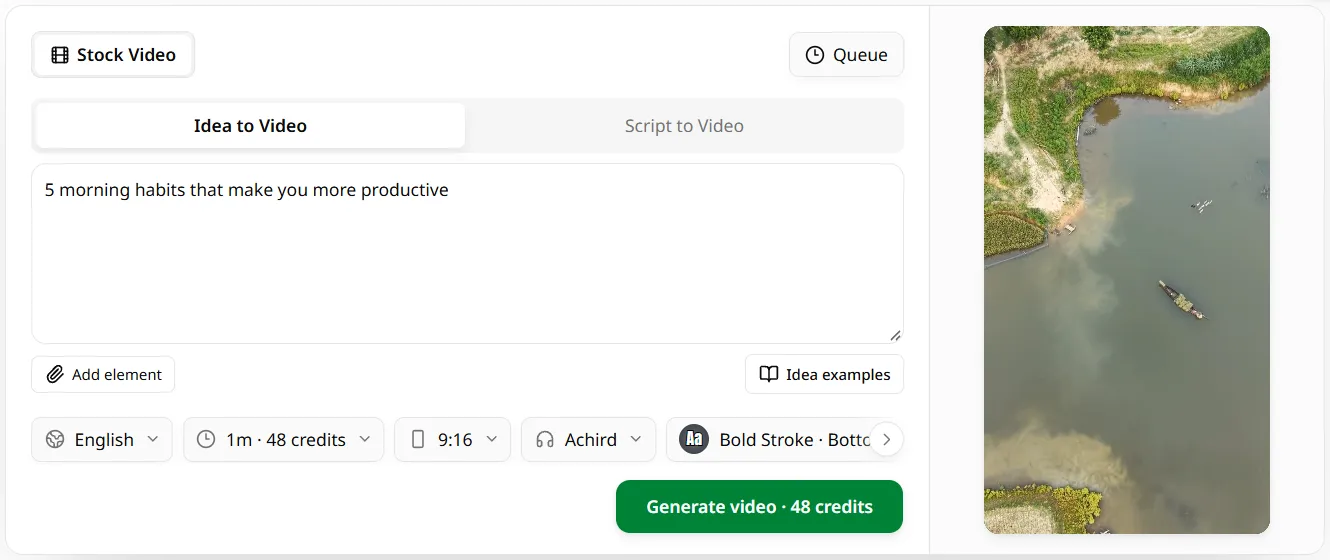
Sign in with Google or GitHub and type the video subject, the same single input MoneyPrinter asks for. Or paste your own script.
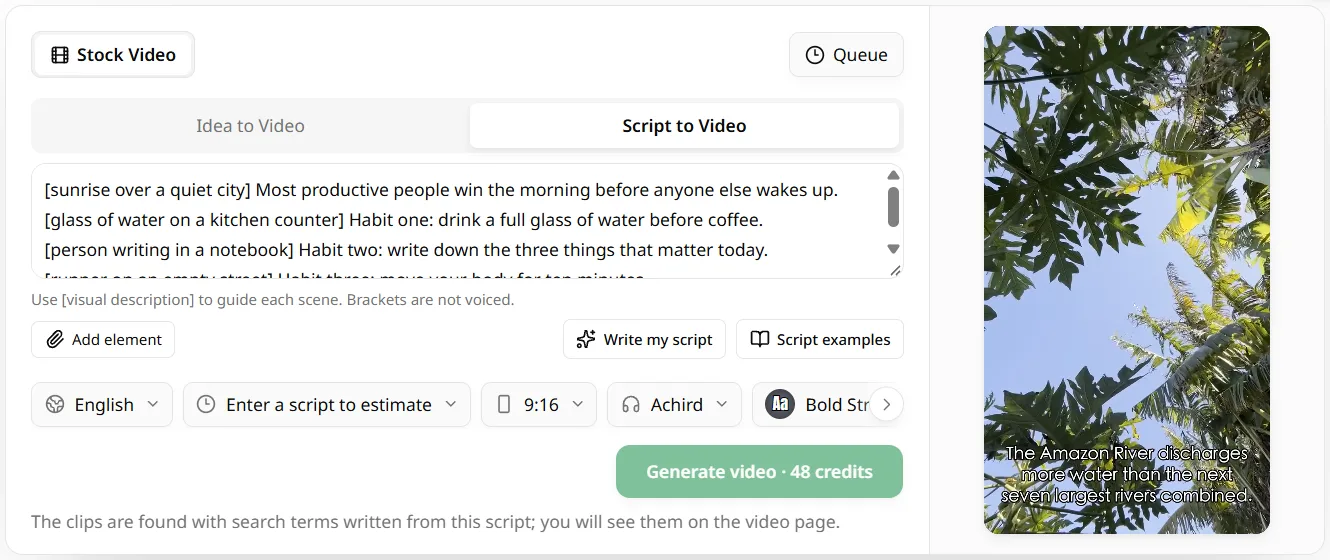
Choose from 17 languages, a voice, 9:16, 16:9 or 1:1, a caption style and music. The original MoneyPrinter only makes vertical video.
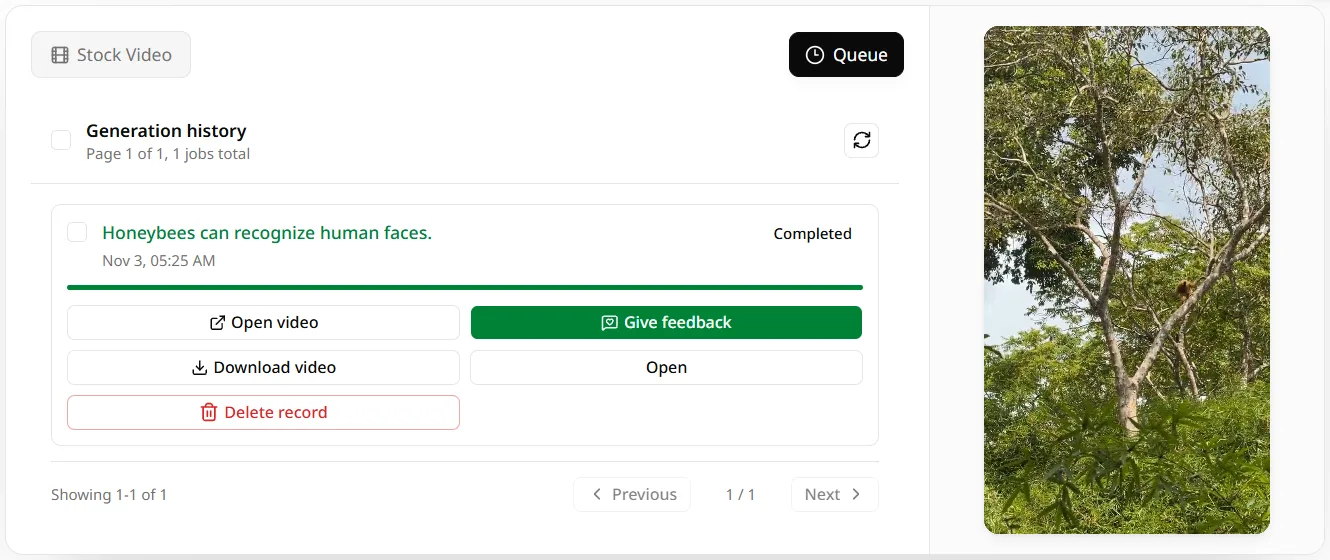
The button shows the credit cost first. The video renders on our servers, then you download the MP4.
Not included online: your own Ollama model, TikTok character voices and the automatic upload to your YouTube channel. For those, clone the MoneyPrinter GitHub repo.
The MoneyPrinter GitHub code is free and your own computer does the work. Online, a new account gets 60 credits, about one one-minute video, and paid plans start at $9.90 a month with priority generation.
Every plan includes
Purchase additional credits to use our services
The original MoneyPrinter GitHub repo is github.com/FujiwaraChoki/MoneyPrinter, with about 14,200 stars, 1,800 forks and an MIT license. The same author also keeps MoneyPrinterV2. The much larger MoneyPrinterTurbo repo belongs to a different developer, harry0703.
FujiwaraChoki is the GitHub name of the developer behind the original MoneyPrinter and MoneyPrinterV2. The same developer posts on X as @DevBySami and publishes videos as Fuji Codes, including the demo linked from the MoneyPrinter GitHub README.
No. As of November 11, 2026, the MoneyPrinter GitHub repo lists no website, and its README and docs only describe a local or Docker install. Sites that offer MoneyPrinter online, including this one, are independent services and are not run by FujiwaraChoki.
Yes. The MoneyPrinter code is MIT-licensed, the script comes from a local Ollama model, and the stock footage uses a free Pexels API key. What it costs is setup time and a computer that can run the model and render the video.
No. Since the March 2026 rewrite MoneyPrinter is Ollama-only. The two required values are a Pexels API key and a TikTok session ID. An AssemblyAI key for subtitles is optional; without it, subtitles are generated on your own machine.
Type one topic and download a finished Short. No Docker, no local model, and the first video is on us.