MoneyPrinterV2 is a free Python app that automates YouTube Shorts and three other ways of trying to earn money online. It only runs in a terminal on your own computer. Here is what MoneyPrinterV2 does, how to use it, and a way to make the same Shorts in your browser.
The online studio runs on the MoneyPrinterTurbo engine with stock footage, not on MoneyPrinterV2 code. Not affiliated with its author.
MoneyPrinterV2 (also written Money Printer V2 or MoneyPrinter V2) automates four things from a numbered menu in your terminal. It is by FujiwaraChoki, a rewrite of the same author’s MoneyPrinter, with about 32,400 GitHub stars and an AGPL-3.0 license.
| MoneyPrinterV2 feature | What it does |
|---|---|
| YouTube Shorts Automator | Picks a topic from your niche, writes the script, generates AI images, records a voiceover, adds subtitles and music, then uploads through Firefox |
| Twitter Bot | Writes tweets on a topic you set and posts them from a logged-in Firefox profile |
| Affiliate Marketing | Reads an Amazon product page, writes a pitch and posts it on Twitter |
| Cold outreach | Scrapes Google Maps for local businesses and emails them through your SMTP account |
FujiwaraChoki walks through MoneyPrinterV2 in this video, linked from the README: the menu, the setup and a finished Short.
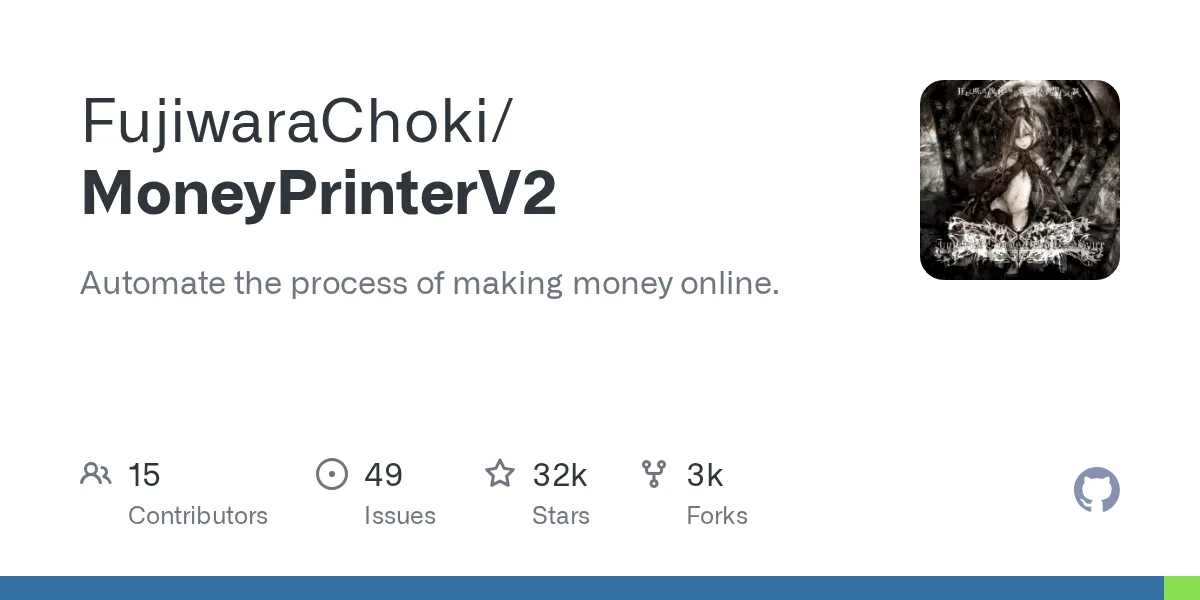
Video linked from the MoneyPrinterV2 README. It shows MoneyPrinterV2 itself, not videos made on this site.
Each step of a MoneyPrinterV2 Short uses a specific tool on your machine, which is why the setup list is long. Its docs sum up the difference from the first version: MoneyPrinterV2 uses AI-generated images instead of stock footage.
| Step | How MoneyPrinterV2 does it |
|---|---|
| Script | A model running in Ollama on your computer |
| Visuals | AI-generated still images from the Gemini image API |
| Voice | KittenTTS, a local model with eight voices |
| Subtitles | Local Whisper, drawn with MoviePy and ImageMagick |
| Output | A 1080 x 1920 vertical MP4 at 30 frames per second |
| Upload | Firefox, driven through the YouTube upload page |
To use Money Printer V2 you need Python 3.12, Ollama with a model pulled, a Gemini API key, ImageMagick, and a Firefox profile already logged in to YouTube. Clone the repo, fill in config.json, then start the menu and choose the Shorts option. The commands are from the MoneyPrinterV2 README.
On Windows, activate with .\venv\Scripts\activate instead of the source line.
git clone https://github.com/FujiwaraChoki/MoneyPrinterV2.git
cd MoneyPrinterV2
cp config.example.json config.json
python -m venv venv
source venv/bin/activate
pip install -r requirements.txtIn the MoneyPrinterV2 folder, set firefox_profile, nanobanana2_api_key and imagemagick_path. docs/Configuration.md explains every key.
MoneyPrinterV2 shows a numbered menu. Choose YouTube Shorts Automation, add an account and a niche, then pick Upload Short, or the custom-topic option to give your own.
python src/main.pyNo. MoneyPrinterV2 is version 2 of MoneyPrinter, by FujiwaraChoki. MoneyPrinterTurbo is a separate project by a different developer, and there is no “Turbo V2”. The names are close enough that people mix them up all the time.
The original, by FujiwaraChoki. A topic becomes a YouTube Short with stock footage. See the MoneyPrinter GitHub guide.
Same author. MoneyPrinterV2 uses AI images instead of stock footage, and adds the Twitter bot, affiliate posts and outreach.
By harry0703, about 142,000 stars. Stock footage, a web UI and regular releases. Not related to MoneyPrinterV2. See MoneyPrinterTurbo on GitHub.
MoneyPrinterV2 automates the work; it does not promise income. The most read Reddit test of this kind of tool concluded that fully automated channels only hold up on broad topics, because the pictures often fail to match the narration and viewers swipe away.
The MoneyPrinterV2 issue tracker (49 open issues on November 11, 2026) points the same way: most trouble comes from the pieces around it.
If the videos are the part of MoneyPrinterV2 you came for, the online studio makes them from one line of text, with real stock footage matched to each sentence. Real users made these eight. Tap one to play it with sound.
Videos by MoneyPrinterTurbo Online users. Footage from Pexels.
Open the studio, type a topic, pick a voice, a size and a caption style, then generate and download the MP4. It takes a few minutes and nothing is installed. Every setting is covered in how to use MoneyPrinterTurbo.
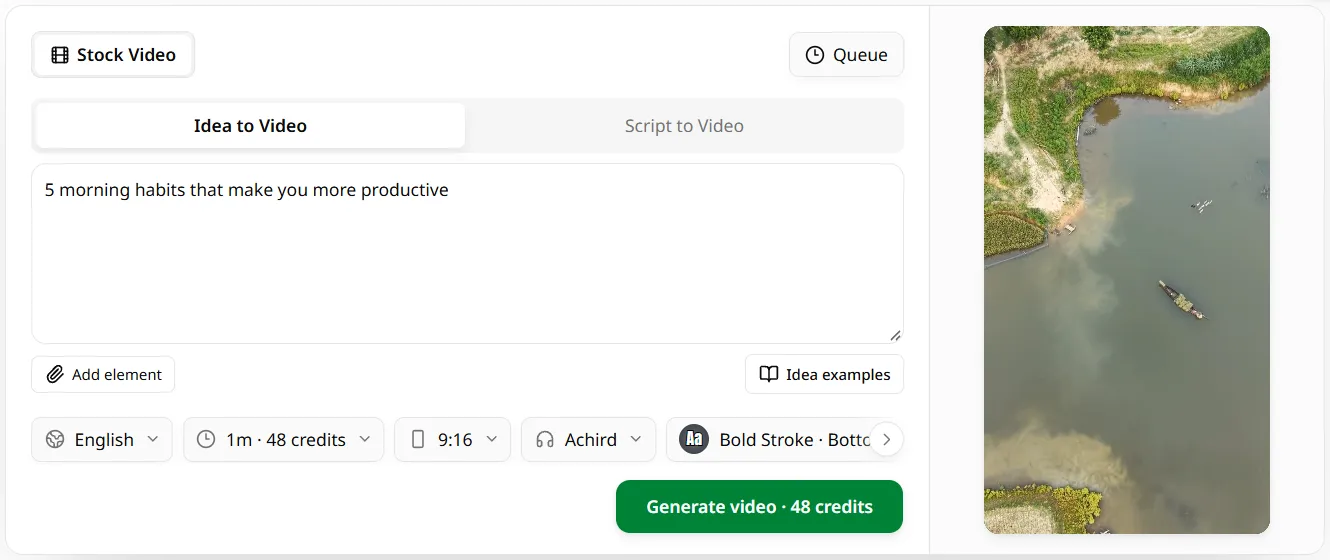
Sign in with Google or GitHub and type the topic, as you would with the custom-topic option in MoneyPrinterV2. Or paste a full script.
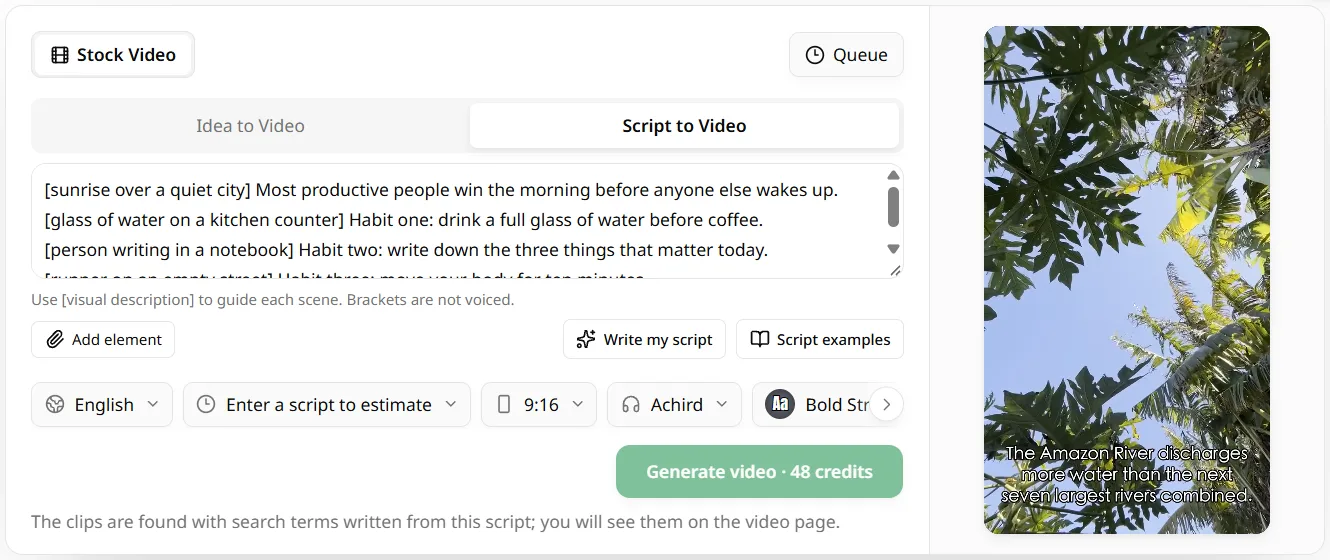
Choose from 17 languages, a voice, 9:16, 16:9 or 1:1, a caption style and music. None of the MoneyPrinterV2 setup: no Ollama, no Gemini key, no ImageMagick.
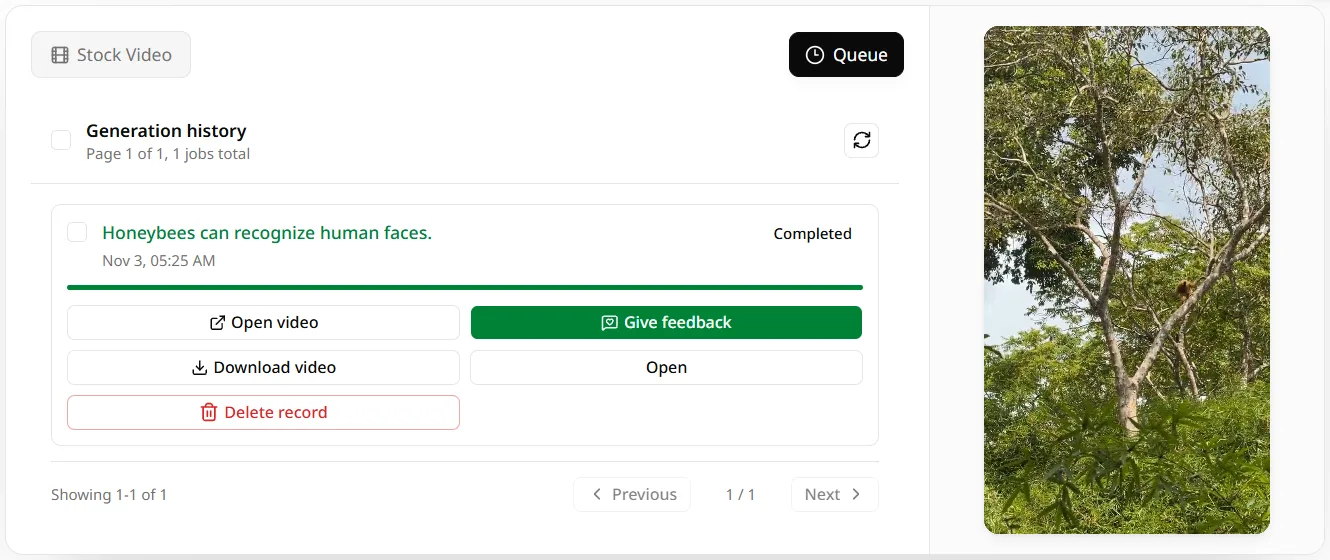
The button shows the credit cost first. Download the MP4 and upload it to YouTube yourself; automatic upload is the part only MoneyPrinterV2 does.
Not included online: AI-generated images, automatic and scheduled YouTube uploads, the Twitter bot, Amazon affiliate marketing and cold outreach. If you want those, install MoneyPrinterV2 from its GitHub repo.
MoneyPrinterV2 is free software, but its images need your own Gemini API key. Online, a new account gets 60 credits, about one one-minute video, and paid plans start at $9.90 a month with priority generation.
Every plan includes
Purchase additional credits to use our services
Money Printer V2 (or MoneyPrinter V2) is the common way to write MoneyPrinterV2, an open-source Python app by FujiwaraChoki with about 32,400 GitHub stars. It automates YouTube Shorts, a Twitter bot, Amazon affiliate posts and cold outreach. MoneyPrinterV2 runs all of it from a menu in your terminal.
No. As of November 11, 2026, MoneyPrinterV2 exists only as a GitHub repository. It lists no homepage, and requests for a Docker setup, a simple GUI and a hosted API were all still open. This page is an independent studio and is not run by the MoneyPrinterV2 author.
The MoneyPrinterV2 software is free and open source under AGPL-3.0. The script model runs in Ollama and the voice is local too. The images come from the Gemini image API, which needs your own key, so a MoneyPrinterV2 Short is not always free to make.
AI images. The MoneyPrinterV2 docs say V2 uses AI-generated images as the visuals instead of the stock footage the first MoneyPrinter used. The stills are shown one after another for the length of the voiceover. The online studio on this page uses stock footage instead.
Yes, slowly. The last MoneyPrinterV2 commit was on September 15, 2026, and the repo had 20 commits in 2026, most of them in February and March. There are no versioned releases and no Docker image, so updating means pulling the main branch.
What MoneyPrinterV2 does for a Short, minus the terminal: type one topic and download it. The first video is on us.